Best Games to Play on a Chromebook Trackpad
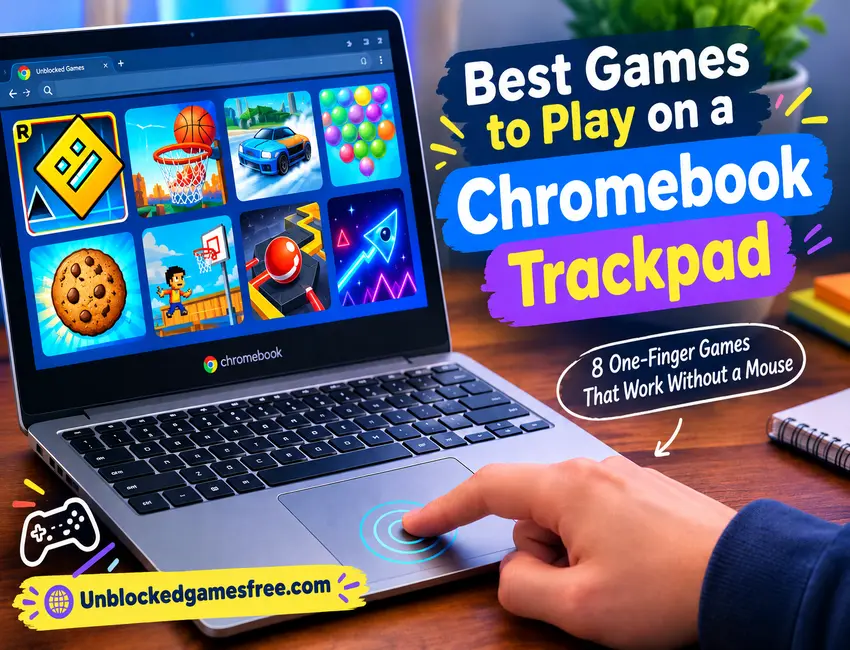
Chromebook Trackpad Games That Only Need One Finger
Eight Picks That Won’t Make You Miss a Mouse
Written by Riley Chen
Plenty of browser games feel fine with a mouse and turn into a fight on a trackpad. The difference usually comes down to one thing: how many fingers the game asks you to use at once. Anyone hunting for unblocked games free during a study period mostly wants something that loads fast and doesn’t punish them for not owning a mouse, so here are seven picks that work with a single finger, plus five small habits that make a school laptop trackpad behave. That’s the whole filter I used for these unblocked Chromebook games: one finger, one browser tab. Where the sources I checked disagreed on a detail, I say so instead of guessing.
Why Trackpads Choke on Some Games
A trackpad is good at one job: a single press. It’s worse at jobs that need two things at once, like dragging while you hold a click, or firing off ten clicks a second. So the easy games share a pattern. They want a click, a tap, or one steady hold, and that’s it.
Most “best Chromebook games” lists point to Android apps and Steam titles, which don’t help much on a school laptop where you usually can’t install anything. Browser games are the real answer here, and a Chromebook trackpad adds its own twist. You press the lower half of the pad to click, and tap-to-click is a setting you may have to switch on yourself.
Eight Unblocked Games That Play Nice With One Finger
Geometry Dash is the easiest place to start. RobTop Games (Robert Topala) released it in August 2013, and the whole thing runs on one input: click, tap, or press Space. Your cube jumps, and later vehicles like the ship and the wave just need a click held down or let go. Browser copies are often unofficial rebuilds, so the exact feel can shift from site to site, but the one-input idea stays the same.
Space Waves is the newer wave game on the list, and sources point to an April 2024 launch. Credits are murky: some name do.games, one site lists a developer called Xelluf, and I couldn’t confirm either, so I’m not pinning it on anyone. Hold Space, W, or the left click to rise, then let go to fall, and steer a small arrow through neon tunnels full of gears and spikes. Holding the trackpad button down is fine here because your finger never has to move.
Flappy Dunk is one tap, over and over. Click (or press Space on some copies) and the ball bounces, and your job is to drop it through the hoops. A few different games share this name and sources credit different studios, so I won’t pin it on one developer. What matters is rhythm. Slow, even clicks beat panicked ones every time.
Drift Boss gives you a car that never stops and never brakes. According to Poki, it comes from a studio called MarketJS and launched in 2019, though that’s the only source I found that names a developer. Hold the click (or Space) to drift one way, let go to straighten out. Hold it too long and you slide off the edge.
Bubble Shooter needs exactly one click per shot. The genre goes back to Taito’s Puzzle Bobble in 1994, and there are endless versions now, including one from Ilyon Dynamics that the company calls the original. In most copies you move the cursor to aim and click to fire, so slow, careful pointer movement is an advantage here.
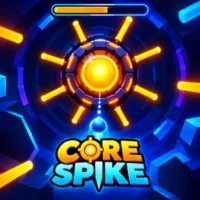
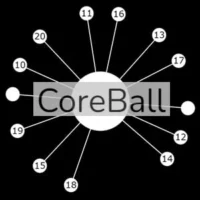
Core Ball is pure timing. Click or tap anywhere and a pin fires straight at a spinning core that already has pins stuck in it, and the run ends the moment one pin touches another. Several sites credit “ben vinegar” and say it came out in 2015, but the wording is nearly identical across them, so treat both as unconfirmed. Tap-to-click makes this one far more comfortable, since you’re firing again and again with no aiming at all.
Cookie Clicker is Julien “Orteil” Thiennot’s 2013 browser classic, reportedly written in a single evening. You click the big cookie, spend cookies on upgrades, and eventually buy things that click for you. That last part is a relief on a trackpad, because tapping one spot a few hundred times gets old quickly.
Google Doodle Basketball started as a London 2012 Olympics Doodle. You get 24 seconds and shoot with the Space bar or by holding the left mouse button and letting go. Holding longer adds power, and the shooter backs away from the hoop as the round goes on.
Five Habits That Keep the Trackpad on Your Side
Habit 1: Turn on tap-to-click. Open Settings, go to Device, then Touchpad, and switch on tap-to-click. A light tap beats pressing down the whole pad for every jump.
Habit 2: Turn on tap dragging. It’s in the same menu. With it on, you double-tap and slide without lifting after the second tap. None of the eight picks need it, but it saves you on the odd copy that asks for a hold-and-slide.
Habit 3: Use Space when the game lets you. Geometry Dash, Drift Boss, Doodle Basketball, and some copies of Flappy Dunk all accept the Space bar, which takes the strain off your trackpad finger completely.
Habit 4: Slow the cursor down for aiming games. The pointer speed and acceleration options sit in that same Touchpad menu, and a slower cursor makes Bubble Shooter far less twitchy.
Habit 5: Keep your palm off the pad. With tap-to-click on, a brushed palm can register as a click, and one stray click in Drift Boss ends the run.
These Games Are Older Than Some of Their Players
Check the dates above. Doodle Basketball is from 2012, Geometry Dash and Cookie Clicker are from 2013, and plenty of kids playing them now are younger than the games themselves. Even the newest pick here, Space Waves, runs on a single button. One-button games just age well. There’s nothing to relearn, which is probably why they keep coming back every school year.
Leave These to the Keyboard
Some of the most popular games on the site really do want real keys, and a trackpad will only make them miserable.
Slope sends a ball down a neon track that keeps speeding up, steered with the left and right keys.
Run 3 has you running through space tunnels, steering with the arrow keys and jumping across gaps.
Back at a full keyboard, they’re waiting on unblockedgamesfree.com.
Your Trackpad Can Handle More Than You’d Think
Most of the trackpad pain people complain about comes from picking games built for a mouse. Choose ones that ask for a single press, flip on tap-to-click, and a school laptop turns into a decent place to play. Start with Geometry Dash, work your way through to Core Ball, and save the tighter Space Waves levels for when your fingers have warmed up. If one of them still feels clumsy, blame the game’s design before you blame your hands.